
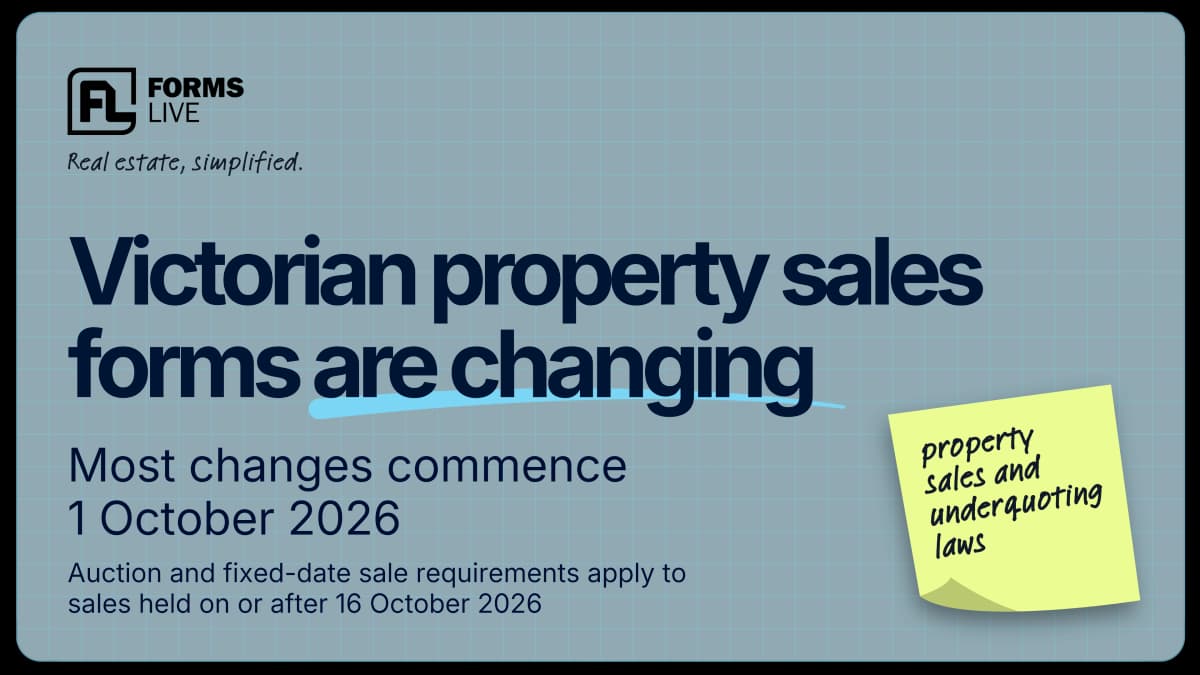
Victorian property sales changes from October 2026: What agents need to know
A practical overview of the new property sales and underquoting requirements, key dates and what Victorian agencies should prepare for.


7 min read

Explore the Forms Live Dashboard for Australian agencies. Track form data, monitor signing progress and compare agent activity in one place.
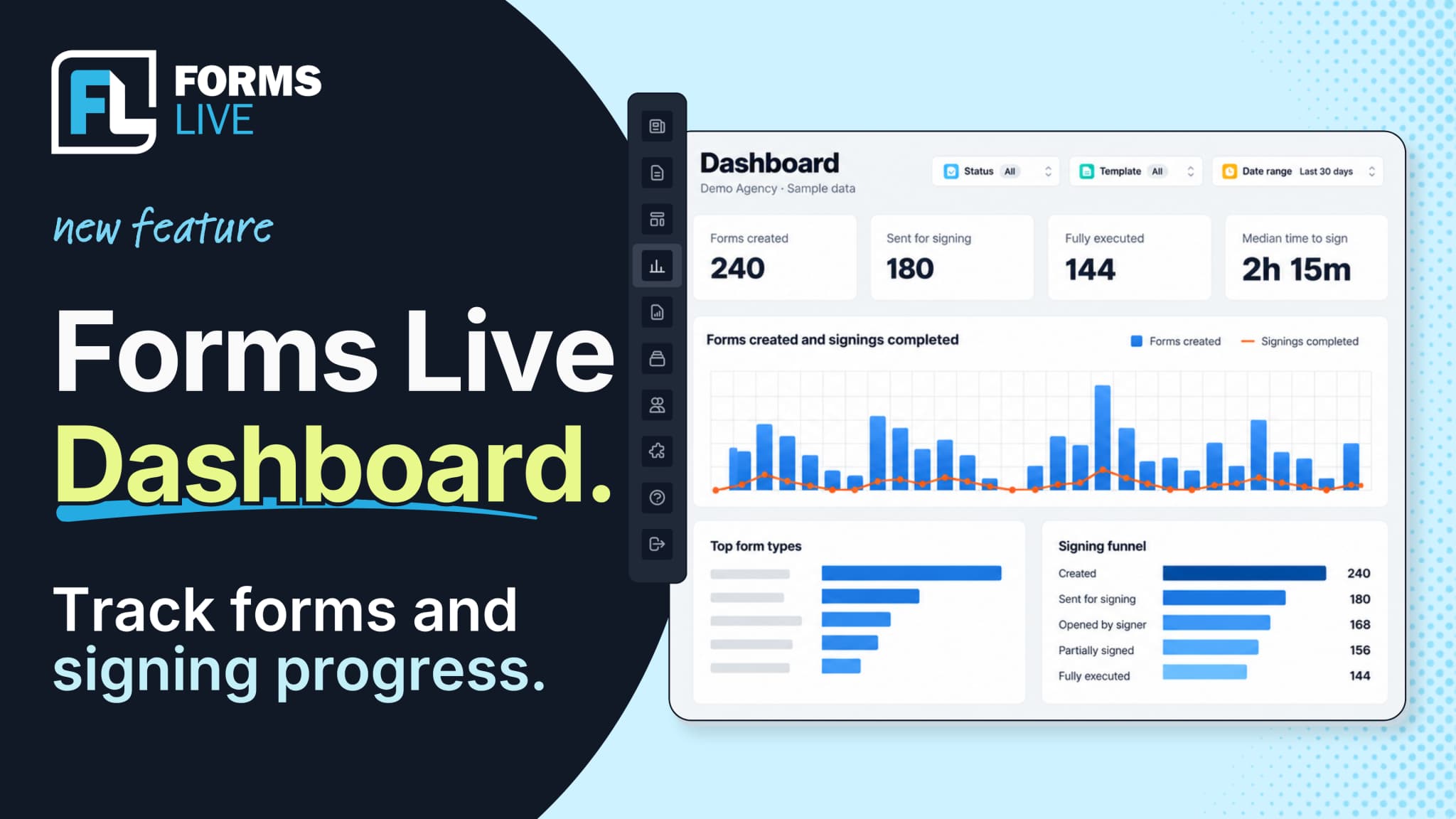
Need a quick update before a team meeting? Want to see where signing requests are getting held up?
An agent is tracking a contract of sale. A property manager is waiting on a signed lease. For agency principals and senior property managers, understanding activity across the whole team is essential to keeping work moving.
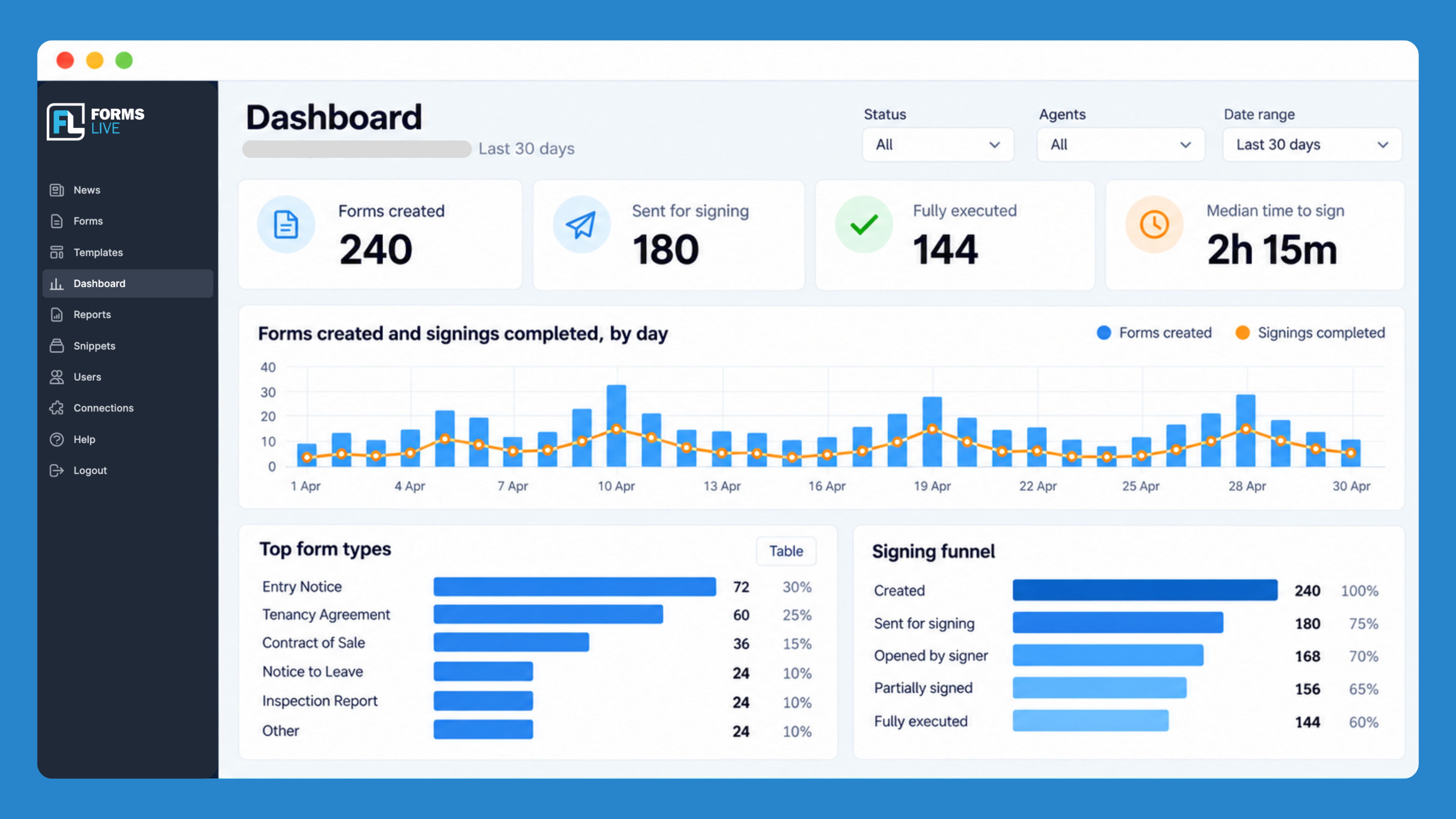
The new Forms Live Dashboard brings your agency’s form and signing activity together on one screen as soon as you log in. See how many forms have been created, monitor signing progress and compare activity by agent.
Now available to Forms Live subscribers across the country, the dashboard gives you a clearer view of your agency’s workload and signing activity.
Here’s how to use these insights to plan your day, guide team discussions, and prioritise follow-ups.
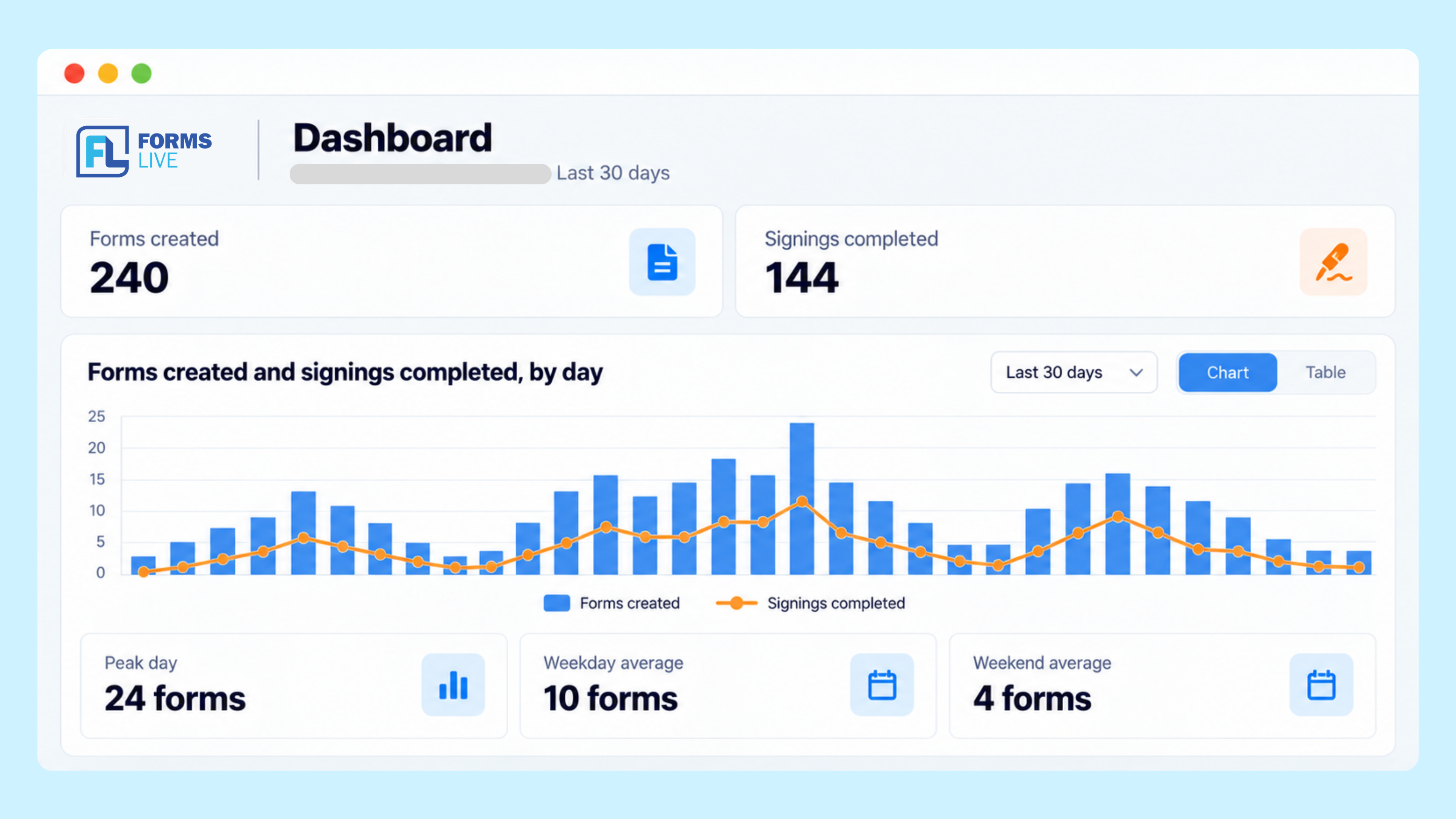
See how many forms your agency has created and how many signings have been completed, using date-range filters to review activity over your selected period.
View the data as a chart for a quick overview or switch to a table for a closer look at the operational data. Peak-day statistics and weekend versus weekday averages you understand when your agency is most active.
For property managers, these insights provide a starting point for reviewing form volumes and identifying where signing follow-ups may be needed. Principals and sales managers can use the same overview to monitor activity and guide team discussions about workload and signing outcomes.
Sending a document for signing is one step in the process. Knowing what happens next helps you decide where to focus your attention.
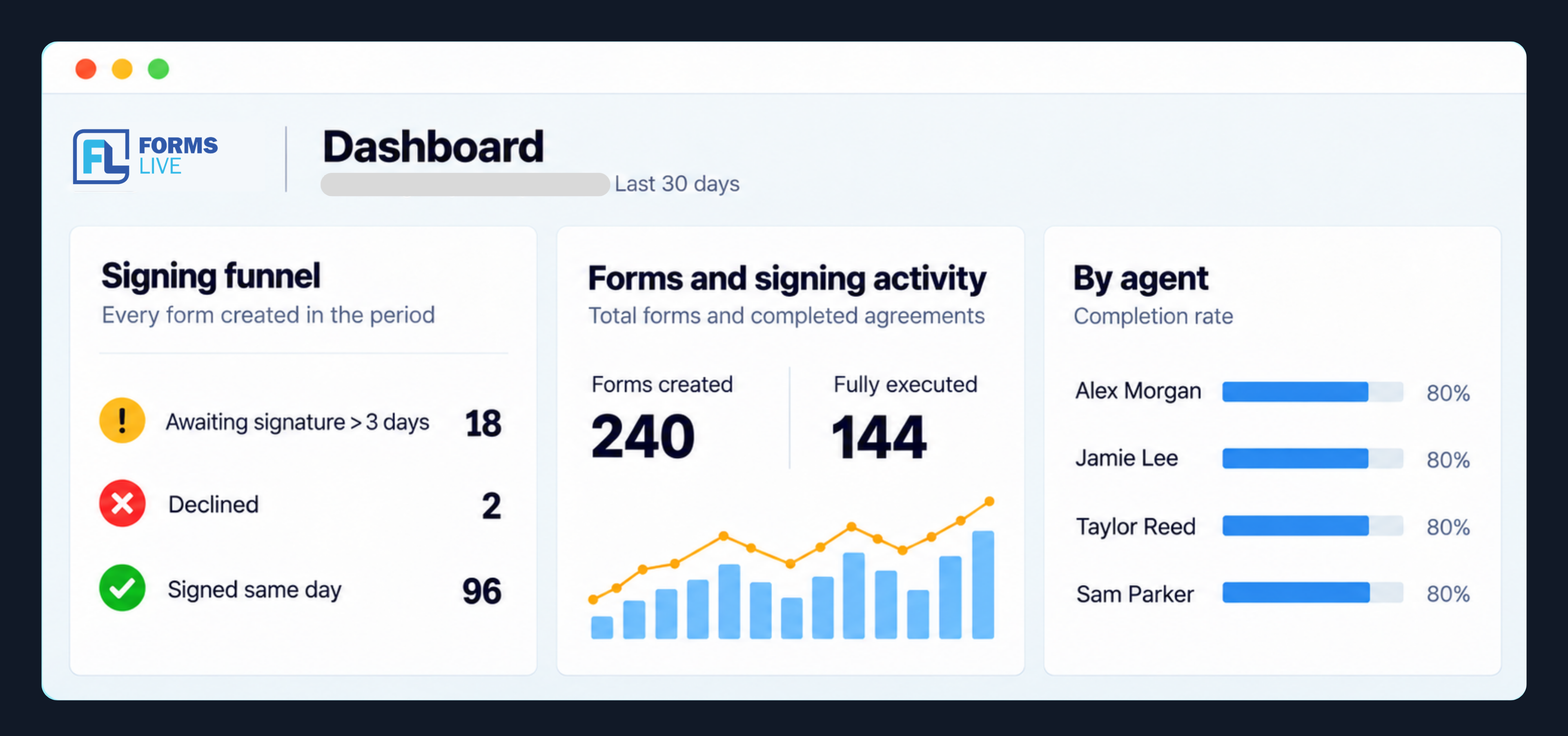
The Signing Funnel shows the status of forms created within your selected date range, across these stages:
The dashboard also highlights requests awaiting a signature for more than three days, declined requests, and those signed on the same day.
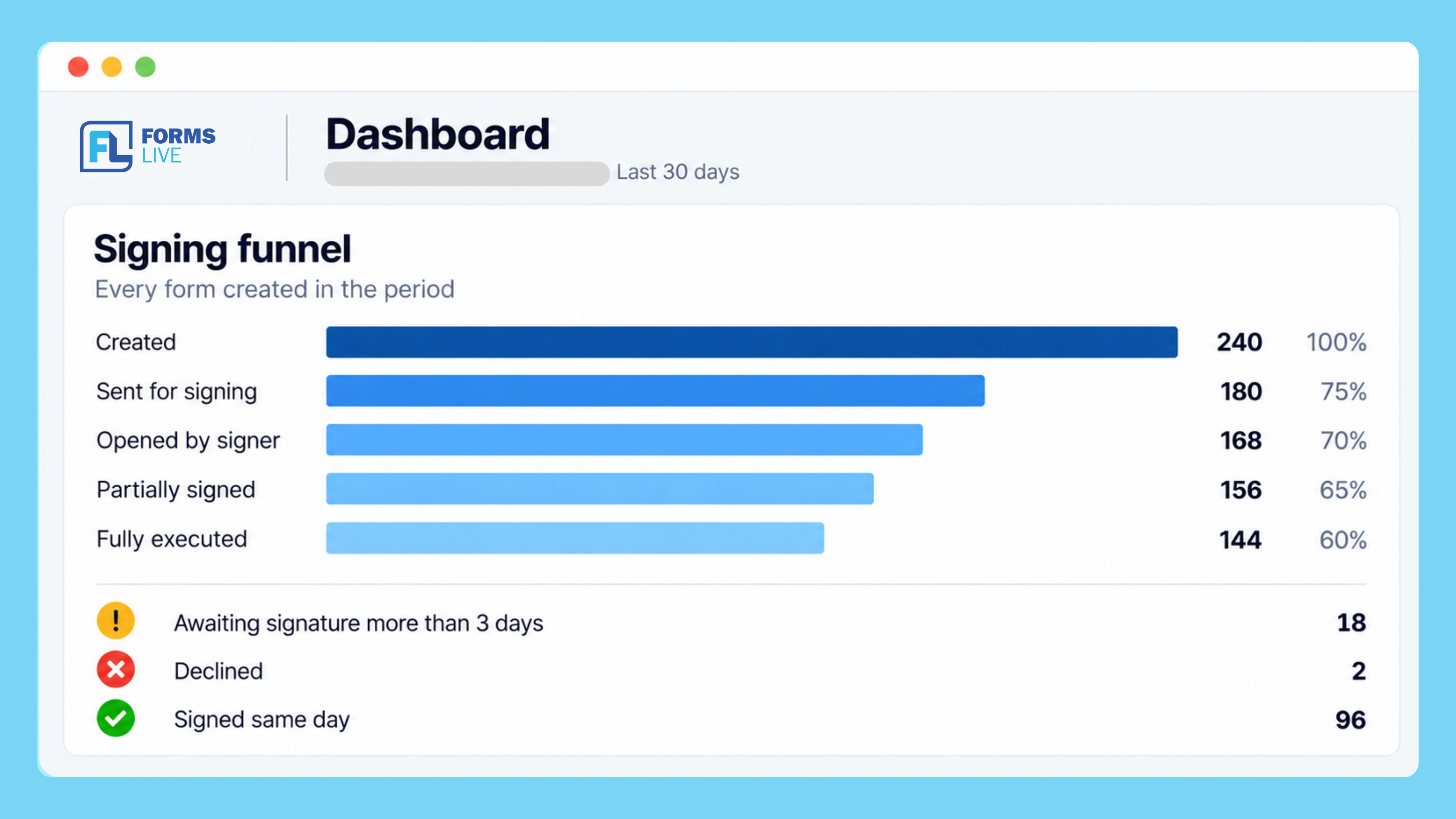
Use these indicators to prioritise follow-ups. If leases are awaiting signatures, for example, you can check whether a signer needs help or has a question ahead of a scheduled move-in.
For principals and managers, this overview makes it easier to see where signing progress may have slowed and discuss next steps with the team.
The By agent view brings your team’s activity into one place, helping you understand individual workflows and signing outcomes.
Sort the table in ascending or descending order by:
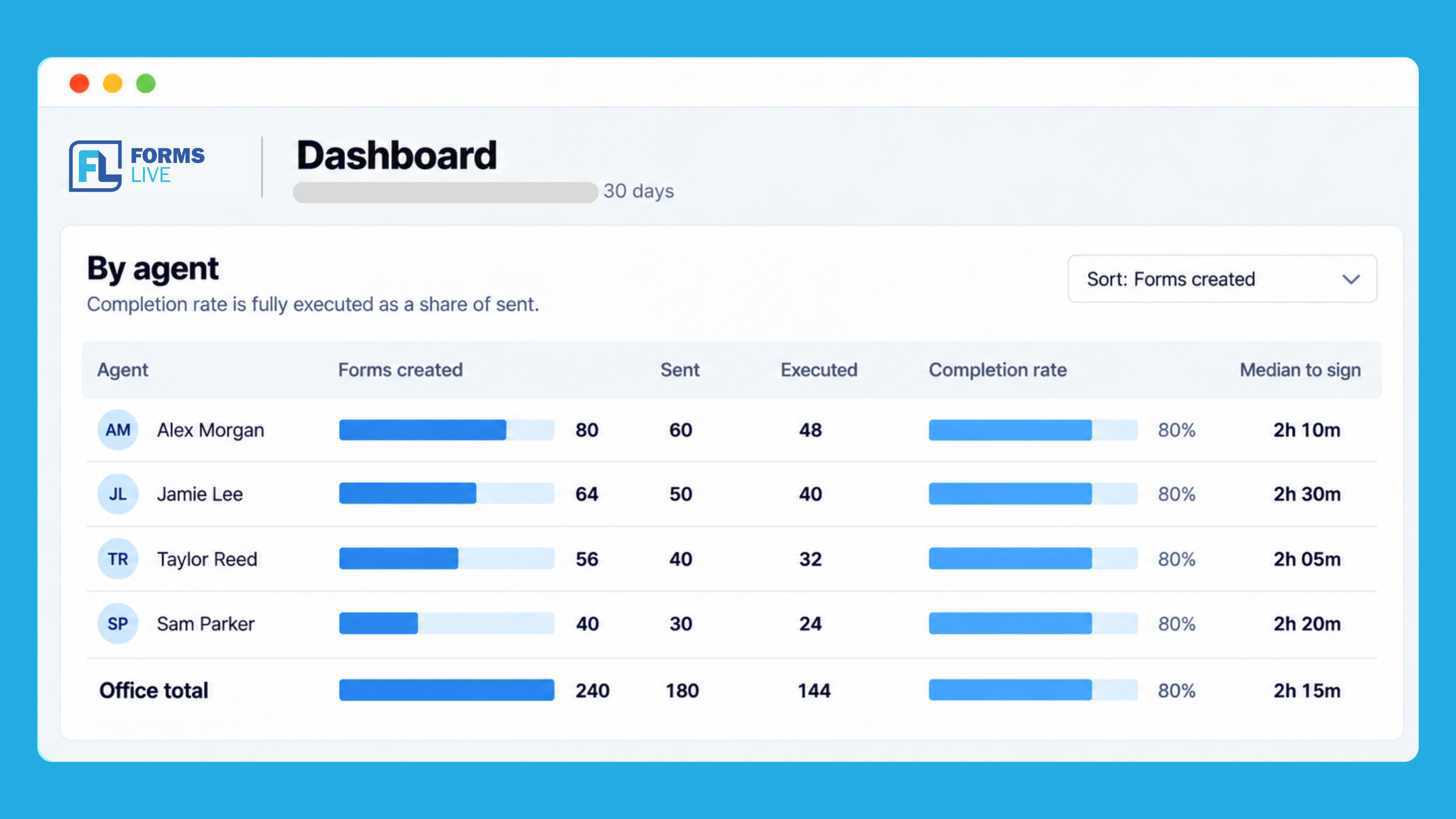
Forms created and sent show activity levels, while executed forms, completion rates, and signing times help you understand what happens after documents are sent.
Completion rate tracks fully executed forms as a share of forms sent for signing. Review this alongside volumes and signing times to give each agent’s figures context.
Together, these data points can guide conversations about workload, follow-up practices and where additional support may be useful.
A quick dashboard check can help you plan your day and keep team discussions grounded in your agency’s activity.
At the start of the day: review signing progress, including requests awaiting signatures for more than three days, to help prioritise follow-ups.
Before a team meeting: check form volumes and completed signings, then use the By agent view to discuss workloads and signing outcomes.
When reviewing your workflow: look at completion rates and signing times alongside activity levels to identify patterns and areas that may need attention.
Use these insights to decide what to follow up on, where to offer support and what to discuss with your team.
Log in to Forms Live to explore your agency’s form activity, review signing progress and see where follow-up may be needed.
If you are a principal or senior property manager, log in to Forms Live and open your agency dashboard.
Would you like a walkthrough? Our Australian-based support team is ready to help. Contact via support@formslive.com.au.
New to Forms Live? Start a free trial and explore a simpler way to manage your agency’s forms and contracts.
The Forms Live platform is the leading provider of forms and contracts for the real estate industry around Australia and is owned by Dynamic Methods. It is used by 8,500 real estate agencies and more than 50,000 agents and property managers. More than 70 million of our forms have been used since launch in 2005 resulting in more than $100m in property sales per month and a further $80m in property leases per month.
A practical overview of the new property sales and underquoting requirements, key dates and what Victorian agencies should prepare for.
7 min read

Generate a unique QR code for each open home so attendees can register on their phone in seconds, then download the complete attendee list after the event.
3 min read

The Australian Academy of Property is running four one-day workshops across regional Victoria this October for commercial property professionals. Here’s what’s covered, who should attend, and how to save with Early Bird pricing before 31 August.
4 min read